
Managing academic life at a university can often feel overwhelming from enrolling in classes to checking your exam results and paying fees. To help streamline these tasks at Mzumbe University, Tanzania, the institution has introduced a powerful online portal called MU-ARMS.
In this article, we’ll walk you through what MU-ARMS is, how to log in, why it’s important, and how you can make the most of it whether you are a first-year undergraduate or a postgraduate student. We will also cover common queries students ask and offer helpful tips to avoid login issues.
Before then you can also read about CDCFIB Recruitment: Portal Login, Shortlisted Candidates Pdf, Application Form, How To Apply, Requirements. Now, let’s proceed with the main gist.
What Is MU-ARMS?
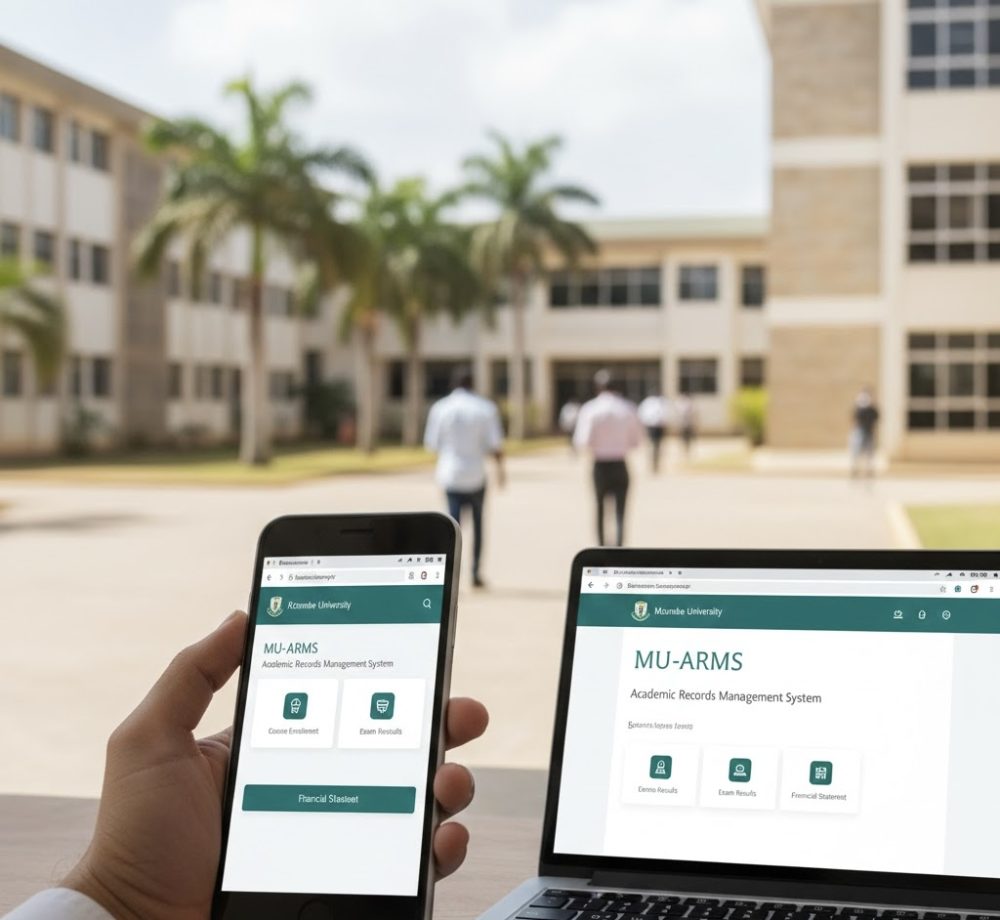
MU-ARMS stands for Mzumbe University Academic Records Management System. It’s a centralized web-based platform designed specifically to help students, lecturers, and administrative staff securely access and manage academic information online. Think of it as your digital campus assistant a place where you can perform essential academic tasks without having to visit campus offices in person.
Before MU-ARMS, many academic activities required in-person visits or manual paperwork. Now, with this system, those same tasks can be handled quickly on your phone, tablet, or computer saving you time and helping you stay organized.
Who Uses MU-ARMS?
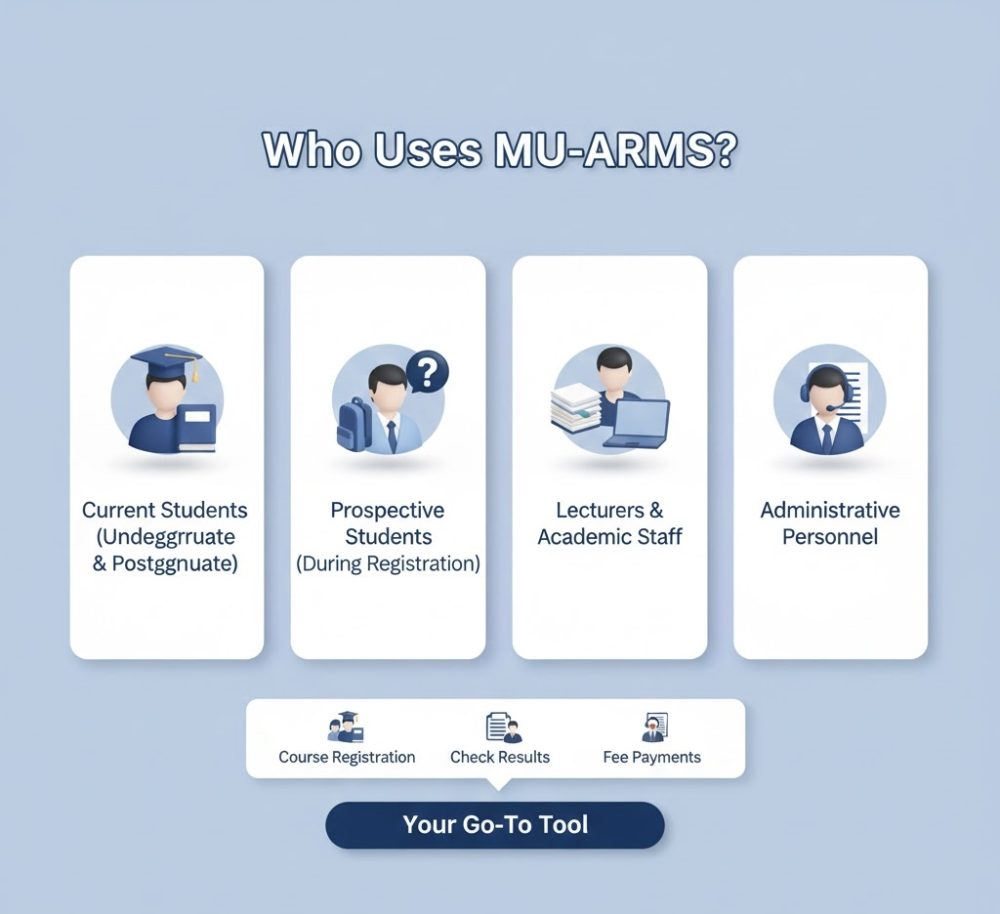
The MU-ARMS portal is intended for:
- Current students (undergraduate, postgraduate, diploma, certificate, and PhD)
- Prospective students during registration periods
- Lecturers and academic staff for managing class details
- Administrative personnel involved in academic record keeping
Whether you are registering courses, checking results, managing accommodation details, or tracking your financial obligations, MU-ARMS is your go-to tool.
Why MU-ARMS Matters
MU-ARMS is more than a login page it plays a vital role in the student lifecycle at Mzumbe University. Here’s why it’s so essential:
Centralized Academic Management
Instead of juggling multiple systems, MU-ARMS brings all academic activities into one platform. From course enrollment to exam score viewing, everything is interconnected and accessible in one place.
24/7 Accessibility
You don’t have to wait for office hours to get things done. As long as you have internet access, you can log in and take care of your academic tasks at any time.
Saves Time and Reduces Errors
Because records are managed digitally, MU-ARMS reduces the risk of miscommunication, misplaced documents, and long waiting queues enhancing both student satisfaction and administrative efficiency.
What You Can Do Inside MU-ARMS

Once you access the portal, you’ll find a range of features designed to support your academic journey:
Academic Registration
MU-ARMS allows you to register for courses each semester, update your personal profile, and select the units you intend to take. This is often one of the first tasks new students complete after logging in for the first time.
Academic Record and Results Check
Looking for your exam results? MU-ARMS enables students to directly view their semester grades online no need to check noticeboards or wait for printed reports.
Tuition and Fee Payments
Instead of long lines at the finance office, you can use the portal to view your billing details and confirm whether your payments have been recorded.
Accommodation Management
If you reside on campus, you can also use MU-ARMS to view and manage your accommodation status or room details.
Student Files Tracking
All of your academic files and student information are securely stored and tracked within the system, making record retrieval quicker and easier for both students and staff.
How to Log In to MU-ARMS
Logging into MU-ARMS is simple. Whether you’re using a smartphone or a laptop, the process is the same:
1. Visit the Official Login Page
Open your web browser and head to the official MU-ARMS login page via:
👉 https://arms.mzumbe.ac.tz/user-accounts/login/
You can bookmark this link for faster access in future.
2. Enter Your Username
Use the username provided by the university. If you’re a new student, this might have been issued during orientation or registration.
3. Input Your Password
Enter your secure password. Make sure you enter it exactly as registered, including uppercase or lowercase letters.
4. Click “Sign In”
After filling in your credentials, click the Sign In button to access your MU-ARMS dashboard.
If your details are correct, you’ll be redirected to your personal profile overview.
Forgot Password? Here’s What to Do
We all forget passwords sometimes it’s normal! If you can’t remember yours, don’t panic. The login page has a convenient “Forgot Password?” link that will help you reset it securely.
Just follow the instructions, and after identity verification, you’ll be able to create a new password and regain access.
Tips for a Successful Login
Here are some practical tips to prevent login problems:
- Check your internet connection before accessing the portal.
- Ensure your username and password are correct pay attention to case sensitivity.
- Clear browser cache and cookies if you experience repeated login errors.
- Use a modern browser such as Chrome, Firefox, or Edge for compatibility.
- Don’t share your password with anyone to protect your academic records.
Common Problems and Solutions
Login Failed?
If your login attempt fails, first check that there are no typos in your username or password. If you still can’t get in, use the password reset link or contact support at the university.
System Timeout or Slow Loading
During peak times such as course registration periods you may experience some delay. This is usually due to high traffic and not an error with your account. Try again after a short break.
Important Security Reminder
Your academic record is private and should be protected. Never share your MU-ARMS login details with friends or third parties, and always log out after using the portal, especially on public computers.
Frequently Asked Questions
To make things even clearer, here are some commonly asked questions about MU-ARMS:
❓ What exactly is MU-ARMS?
MU-ARMS is Mzumbe University’s Academic Records Management System, designed to facilitate registration, billing, results, and other academic activities online.
❓ Who needs to use the MU-ARMS portal?
All students and academic staff at Mzumbe University use MU-ARMS for academic purposes from enrollment to exam results and bill payments.
❓ Is MU-ARMS free to use?
Yes! MU-ARMS is provided by the university as part of your academic services at no additional cost.
❓ Can I access MU-ARMS on a mobile phone?
Yes, as long as you’re connected to the internet, you can log in using your phone or tablet.
❓ What do I do if my account is locked?
If your account gets locked due to multiple failed login attempts, contact the DICT Help Desk or administration unit at Mzumbe University for assistance.
Final Thoughts
In today’s digital age, online systems like MU-ARMS have become essential tools for students and staff alike. They simplify tasks that once required long queues and significant paperwork making academic management faster, more transparent, and more efficient.
Whether you’re just starting at Mzumbe University or are preparing to graduate, learning how to navigate MU-ARMS will help you stay on top of your academic commitments with confidence.
Start by visiting the login page, entering your credentials, and exploring all the useful features designed to support your academic success.