
Experiencing HD Texture Pack Crashes PPSSPP when trying to enhance your PSP games? You’re not alone. Millions of gamers use PPSSPP to relive titles like Silent Hill Origins with upgraded HD textures, but the moment these crisp visuals load, the emulator sometimes freezes, lags, or shuts down entirely. The problem is widespread, especially among fans who install heavy texture packs on mobile devices or lower-end PCs.
This guide breaks down why HD Texture Pack Crashes PPSSPP, how to fix it, how to optimize PPSSPP settings, and exactly what to change to stop the crashes permanently. Whether you’re running texture packs on Android, Windows, or iOS, this guide gives you everything you need to stabilize Silent Hill Origins and any other demanding PSP game.
Why Does The HD Texture Pack Crashes PPSSPP for Many Gamers
If you have ever tried giving your PSP games a modern facelift on PPSSPP, then you already know how incredible HD texture packs can look. They refresh old titles, add crisp detail, and transform grainy original textures into something that belongs on today’s displays. But along with this beauty comes a frustrating problem that many gamers complain about: HD Texture Pack Crashes PPSSPP during gameplay. The issue appears unexpectedly, often right when the tension is highest, pulling you out of the immersive world you were enjoying.
This problem is especially noticeable in horror titles like Silent Hill Origins, where rich details and eerie shadows push the emulator harder than usual. Understanding why HD Texture Pack Crashes PPSSPP is the first step toward fixing it, and this guide will walk you through every cause, every solution, and every practical trick to keep your game running smoothly.
What Are HD Texture Packs and Why Do They Cause Issues?
HD texture packs are upgraded visual assets created by dedicated fans. They replace original textures within a PSP game, making characters, environments, and objects look sharper, cleaner, and more realistic. Imagine repainting an old house with fresh colors. The structure is the same, but the appearance changes dramatically.
These texture packs often use higher resolution formats that demand more processing power. When the system cannot handle the load, HD Texture Pack Crashes PPSSPP becomes a common outcome.
Why Gamers Love HD Texture Packs
Gamers enjoy HD texture packs for three major reasons:
• They revive old classics without altering gameplay
• They make PSP games visually suitable for modern screens
• They enhance immersion and story depth
For games like Silent Hill Origins, the improvements can make fog thicker, shadows sharper, and environments scarier. But every extra enhancement increases the pressure on the emulator, which leads directly back to the dreaded HD Texture Pack Crashes PPSSPP complaint.
Silent Hill Origins on PPSSPP: Why Crashes Happen More Often
Silent Hill Origins is already visually heavy for a PSP title. With its deep fog layers, real-time shadows, and detailed textures for monsters and environments, the game requires significantly more memory than most PSP games. Adding HD textures increases this load dramatically.
So when players report that HD Texture Pack Crashes PPSSPP specifically with Silent Hill Origins, it is no surprise. The original game was pushing hardware limits, and the HD pack pushes PPSSPP even further.
Emulating Silent Hill Origins: A Quick Overview
Silent Hill Origins tells the story of Travis Grady, a truck driver trapped in a nightmare-filled town. Even without enhancements, the game uses dynamic lighting and numerous special effects to deliver tension. When upscaled textures enter the scene, these elements require far more RAM and GPU handling.
This creates the perfect storm where HD Texture Pack Crashes PPSSPP becomes a repeating cycle for many players.
Why HD Texture Pack Crashes PPSSPP: The Main Causes
1. Excessive Memory Usage
HD textures consume more space than standard textures. A PSP game designed for a tiny handheld suddenly tries to load textures built for high-resolution screens. If your device does not have enough RAM, or if PPSSPP cannot allocate enough memory, it will freeze or shut down.
This is the number one reason why HD Texture Pack Crashes PPSSPP for most users.
2. Emulator-Version Incompatibility
Many crashes happen because players use old PPSSPP versions. Outdated builds lack optimizations and bug fixes needed for high-resolution textures. When the emulator cannot interpret modern texture pack formats correctly, the result is predictable: HD Texture Pack Crashes PPSSPP again and again.
3. Corrupted or Incomplete Texture Packs
Sometimes the issue has nothing to do with the emulator or device. The texture pack might contain corrupted files or missing textures. When PPSSPP tries to load a texture that does not exist or is broken, the emulator crashes instantly.
This explains why users often say:
“My HD Texture Pack Crashes PPSSPP the moment I enter a new area.”
4. Incorrect File Placement
If texture files are placed in the wrong folder, PPSSPP might attempt to load elements incorrectly. This confusion leads to instability, graphical glitches, and yes, more reports that HD Texture Pack Crashes PPSSPP.
5. Wrong PPSSPP Settings
PPSSPP includes advanced settings like block transfer effects, post-processing shaders, or high rendering resolutions. These settings look amazing but require strong hardware. Combining them with HD textures is risky. One wrong toggle is enough to trigger endless crashes.
How To Fix HD Texture Pack Crashes PPSSPP: Detailed Troubleshooting Guide

Check Your Hardware First
Your device’s specs matter more than you might think. Even though PPSSPP runs on low-end devices, HD textures change everything.
Minimum Specs for Stable HD Play
• Quad-core processor
• 4 GB RAM or higher
• Strong GPU (Adreno, Mali, Apple A-series recommended)
If your phone or PC is below this range, it is almost guaranteed that HD Texture Pack Crashes PPSSPP whenever gameplay becomes complex.
Update the Emulator
Running a newer version significantly reduces crashes.
Why Updating Helps
• New builds manage memory better
• Bugs affecting HD textures get patched
• Silent Hill Origins receives better compatibility
• Shader and texture handling becomes more stable
Simply updating often solves HD Texture Pack Crashes PPSSPP instantly.
Optimizing PPSSPP Settings To Prevent Crashes
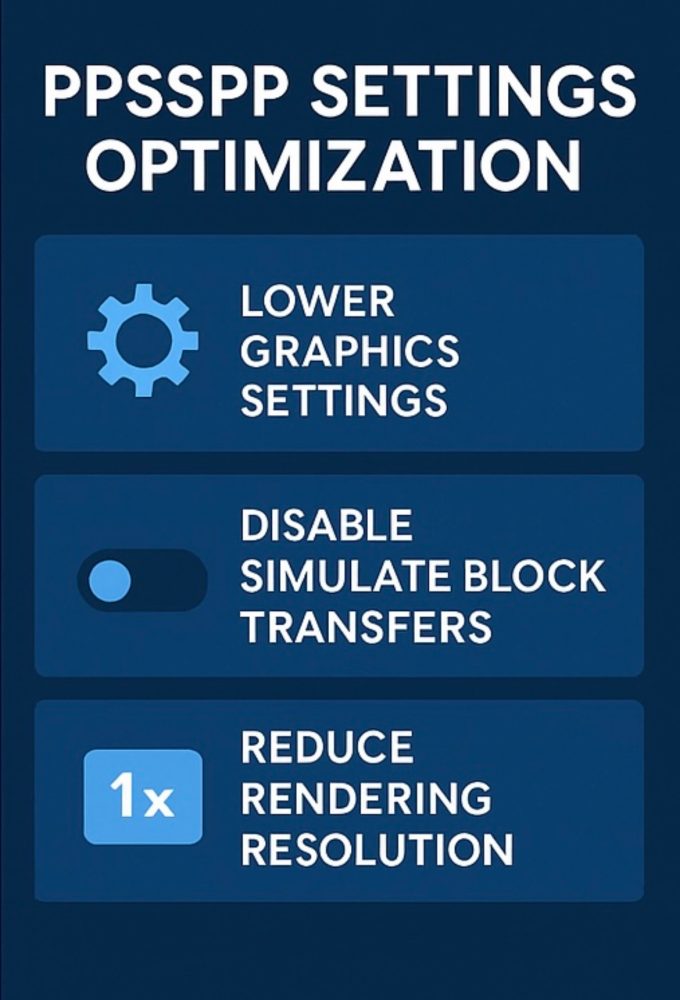
PPSSPP contains dozens of settings. Some boost performance while others drain it. These are the settings that matter most for solving HD Texture Pack Crashes PPSSPP problems.
Lower Rendering Resolution
Do not push 5x or 10x rendering when using HD textures. Stick to:
• 1x
• 2x (maximum recommended)
Disable Unnecessary Features
Turn off:
• Antialiasing
• Anisotropic filtering
• Post-processing shaders
• Simulate block transfers (if causing issues)
This combination alone fixes HD Texture Pack Crashes PPSSPP for most users.
Use the Default Backend
Stick to OpenGL for most devices. Vulkan is powerful but sometimes unstable with HD packs.
Managing HD Texture Pack Files Properly
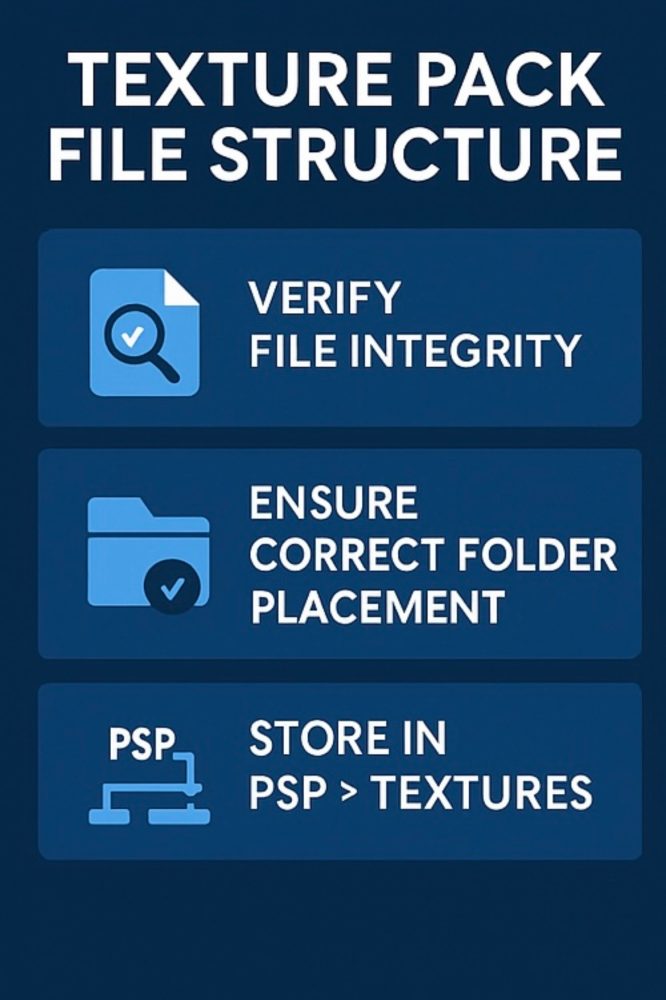
Verify File Integrity
If a file is corrupt, PPSSPP cannot load it. Redownloading is the safest option.
Place Textures in the Correct Folder
Navigate to:
• memstick
• PSP
• TEXTURES
• (Insert game ID folder)
Placing textures elsewhere almost guarantees HD Texture Pack Crashes PPSSPP during loading.
Avoid Mixing Multiple Packs
Two packs overwrite each other, causing:
• Invisible objects
• Missing environments
• Texture flickering
• Random freezing
• And repeating HD Texture Pack Crashes PPSSPP
Silent Hill Origins: Advanced Fixes for Texture Pack Crashes
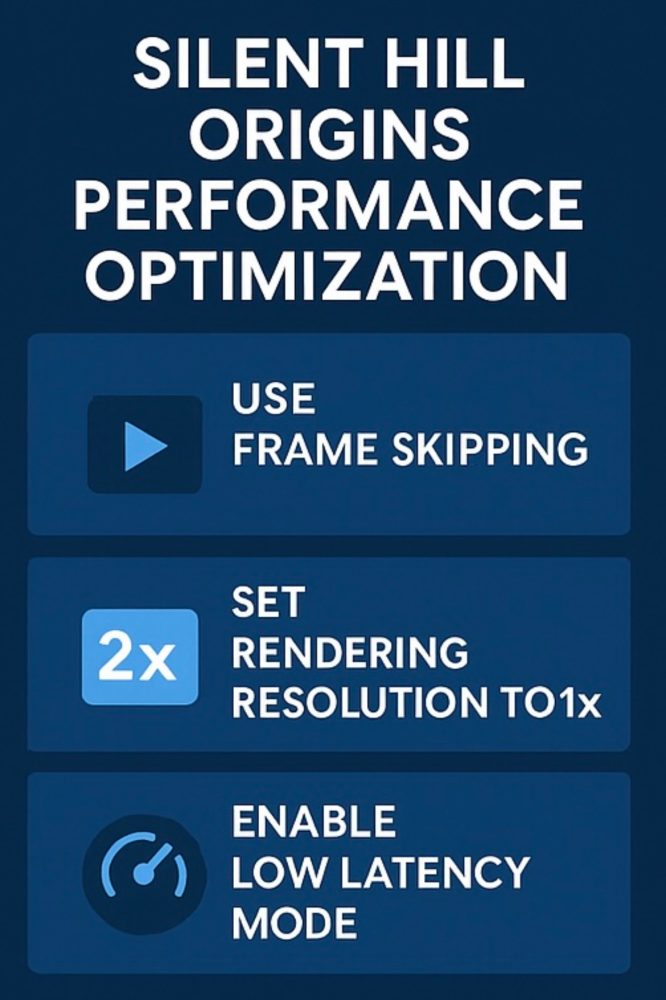
Reduce Effects During Gameplay
Silent Hill Origins uses heavy fog, lighting, and environmental shadows. When combined with HD textures, crashes multiply.
Reduce:
• Fog density (if using shaders)
• Shadow quality
• Post-processing filters
Enable Frame Skipping
Frame skipping reduces CPU load during intense moments. For Silent Hill Origins, setting frame skip to 1 or 2 removes stutters and prevents the memory spikes that cause HD Texture Pack Crashes PPSSPP.
Use Low Latency Mode
This setting reduces input delay but also stabilizes the emulator’s performance loop.
Community Tips for Fixing HD Texture Pack Crashes
Gamers have shared useful findings:
• Some Silent Hill Origins cutscenes are extra sensitive
• PPSSPP.ini file tweaks help stabilize memory allocation
• Heavy scenes cause crashes unless effects are disabled
• Downsizing some textures manually prevents freeze loops
Community fixes often solve HD Texture Pack Crashes PPSSPP when official methods fail.
Alternative Solutions When HD Texture Pack Crashes PPSSPP Persist
If you keep running into problems, try lighter graphical improvements:
• Mild texture enhancements
• Shader-based sharpening
• Upscaled textures with reduced resolution
• Built-in rendering features instead of full HD packs
These provide visual improvements without overwhelming your device.
Final Thoughts
Fixing HD Texture Pack Crashes PPSSPP requires understanding how PPSSPP loads textures, how much memory your device can handle, and which emulator settings cause instability. With the correct configurations, fast storage, clean texture files, and a device capable of managing HD assets, you can stop crashes entirely. Silent Hill Origins becomes smoother, gameplay becomes stable, and you can enjoy HD visuals without interruptions. With this optimized setup, your upgraded PSP experience will stay immersive, beautiful, and crash-free.
FAQs About HD Texture Pack Crashes PPSSPP
1. Why does HD Texture Pack Crashes PPSSPP happen so often?
It usually happens because the textures demand more memory than your device can provide. Sometimes it is also caused by incompatible PPSSPP settings.
2. How do I stop HD Texture Pack Crashes PPSSPP on my smartphone?
Lower rendering resolution, disable heavy settings, update PPSSPP, and make sure your device has strong GPU performance.
3. Does Silent Hill Origins crash more often with HD textures?
Yes. The game uses heavy fog, shadows, and lighting effects that, combined with HD textures, frequently trigger HD Texture Pack Crashes PPSSPP.
4. Can corrupted files cause HD Texture Pack Crashes PPSSPP?
Absolutely. Missing or broken textures confuse the emulator, leading to instant freezing or crashing.
5. What is the safest PPSSPP setting to avoid HD Texture Pack Crashes PPSSPP?
Use 1x or 2x rendering, disable antialiasing and simulate block transfers, and keep your emulator fully updated.