PPSSPP Gold APK Android and iPhone iOS Download
If you have ever wanted to enjoy classic PSP games on your mobile device with smoother graphics, faster loading times, and a premium emulator experience, then you have probably searched for ppsspp gold apk Android and iPhone iOS download at some point. PPSSPP Gold is the upgraded version of the popular PPSSPP emulator, designed to deliver high performance, HD rendering, and broad compatibility across Android and iOS platforms. It gives users the freedom to relive their favourite PSP titles with improved visuals and flexible settings that adapt to almost any smartphone.
Whether you are a long-time PPSSPP user or someone just discovering PSP emulation for the first time, this guide covers everything you need to know. You will learn what PPSSPP Gold offers, how Android and iOS installations differ, the best performance settings, and why so many gamers prefer the Gold edition for a smoother, more refined gaming experience.
What is PPSSPP Gold?
The ppsspp gold apk Android and iPhone iOS download topic refers to the premium version of the popular PSP emulator. Developed by Henrik Rydgård, this emulator allows you to play PSP games on mobile devices with enhanced graphics and smooth performance.
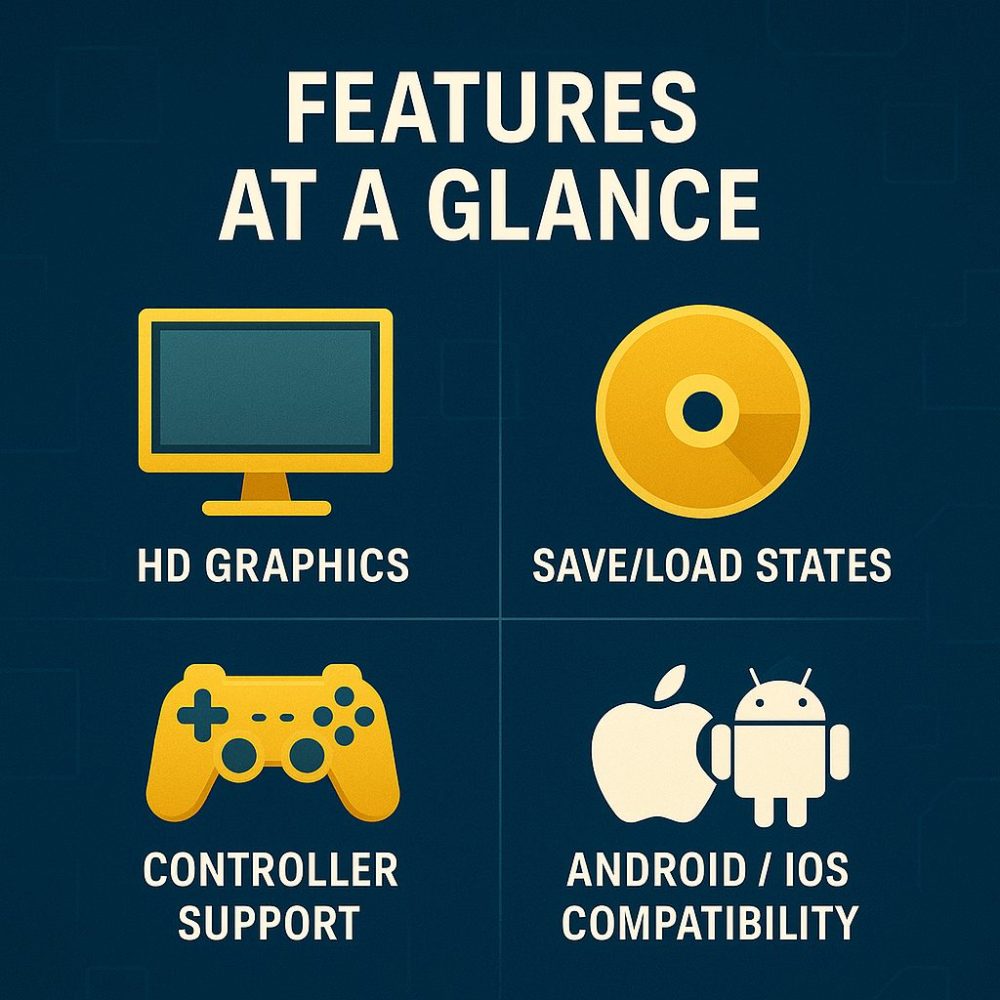
Features at a Glance
- High-definition rendering and texture filtering
- Save states and fast saveload options
- Wide device compatibility (Android/iOS)
- Support for external controller input
- Frequent updates and bug fixes
PPSSPP GOLD System Requirements for Android & iPhone
| Platform | Minimum Specs | Recommended Specs |
|---|---|---|
| Android | Android 5.0+, 1 GB RAM, Quad-core CPU | Android 9+, 3-4 GB RAM, Adreno/Mali GPU |
| iPhone / iOS | iOS 11+, 2 GB RAM | iOS 14+, 4 GB+ RAM |
Note: For the ppsspp gold apk Android and iPhone iOS download, make sure you have at least 2 GB free storage and a stable device performance.
How to Install PPSSPP Gold on Android
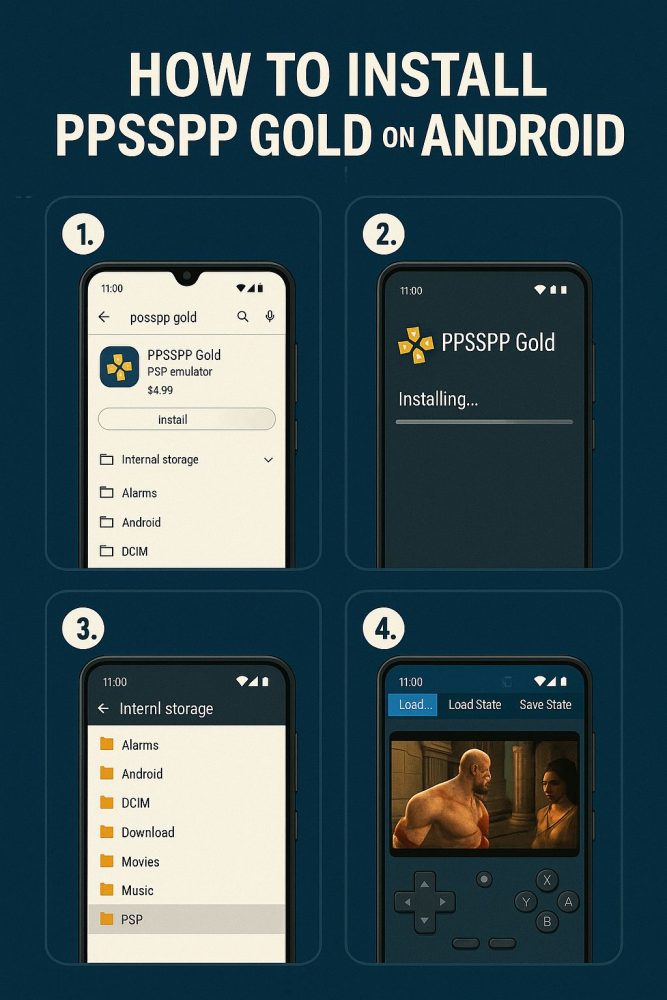
- Visit the Google Play Store and search for “PPSSPP Gold”.
- Download and install the app.
- After installation, grant storage permissions so your ISOs can load.
- Place PSP game files in
/PSP/ISOfolder. - Launch the emulator and browse to your game file.
- Alternatively, you can install the ppsspp apk for Android directly through This Link (Play Store)
How to Install PPSSPP on iPhone/ iOS
Since iOS does not support APKs, here are alternative methods:
- Use AltStore: sideload the PPSSPP IPA and refresh weekly.
- Utilise Sideloadly: connect to your PC and install through your Apple ID.
- Jailbreak (advanced users): install via third-party repos.
PPSSPP GOLD Android APK – Mediafire & Mega.nz Download
If you want fast and reliable download options, you can get the PPSSPP GOLD Android APK through Mediafire and Mega.nz. These two platforms offer high-speed servers, easy one-tap downloads, and smooth file access for all Android devices.
PPSSPP GOLD Android APK Download Links
| Source | File Type | Download Speed | Status | Download Link |
|---|---|---|---|---|
| Mediafire | APK | Very Fast | Active | Download from Mediafire |
| Mega.nz | APK | High Speed, Cloud Backup | Active | Download from Mega.nz |
Differences Between Free & Gold Versions
- Both versions support the same core functionality.
- Gold version has a gold theme and is ad-free.
- Many users still search for ppsspp gold apk Android and iPhone iOS download due to the branding and premium feel.
Recommended Settings for Best Performance
Graphics
- Backend: OpenGL (Android), Metal (iOS)
- Rendering Resolution: 2× PSP
- Deferred Rendering: ON
- Frameskip: 0 (or 1 on weaker devices)
System
- Fast Memory: ON
- I/O on Thread: ON
Audio
- Sound Speed Hack: OFF
- Audio Latency: Low
Top PSP Games That Run Perfectly
- God of War: Ghost of Sparta
- GTA Vice City Stories
- PES 2020 (Modded)
- Naruto Shippuden: Ultimate Ninja Impact
- Crisis Core: Final Fantasy VII
These titles are often mentioned alongside “ppsspp gold apk Android and iPhone iOS download” searches because they showcase what the emulator can deliver when properly configured.
Troubleshooting & Common Fixes
- App crashes or black screen → Reset settings, reinstall app, ensure file is ISO/CSO format.
- Lag or choppy gameplay → Lower rendering resolution, enable buffered mode, disable scaling.
- No sound or audio crackle → lower audio latency, disable Sound Speed Hack, restart device.
Final Thoughts
The ppsspp gold apk Android and iPhone iOS download realm offers a powerful way to relive PSP classics on modern devices. While you must follow safe installation practices and respect game licensing, the emulator itself unlocks a rich library of titles when paired with proper setup.
FAQs
Q1: Is PPSSPP Gold safe to install?
A1: Yes, when downloaded from trusted sources like the official Play Store or verified sideload methods for iOS.
Q2: Can I use the same ISO on both Android and iOS?
A2: Yes, if the game file is compatible and you have the correct emulator build and folder structure.
Q3: Why is the search phrase “ppsspp gold apk Android and iPhone iOS download” so common?
A3: Because users want a single guide that covers both platforms and the premium version of the emulator.
Q4: Do I need a high-end device for PPSSPP Gold?
A4: No, many games run well on mid-range hardware, but higher specs help with more demanding titles.
Q5: What game formats are supported?
A5: ISO and CSO formats are supported. ISO is preferred for performance and stability.
1 thought on “[Latest Version] PPSSPP Gold APK Android and iPhone iOS Download”